

Rentec Direct’s Undeposited Funds ledger provides landlords and property managers with tools to easily manage physical rent payments. It digitally replicates the real-world process of preparing a bank deposit and allows for the creation of a scannable deposit slip.
Despite the convenience and growing popularity of electronic and automated online payment apps, landlords and property managers consistently need a reliable system to accurately track and manage all physical rent, deposit, and application fee payments received.
Rentec Direct’s Undeposited Funds ledger replicates the real-world process of preparing a bank deposit. This process allows you to generate a scannable deposit slip directly within the software for seamless banking and reconciling.
What are Undeposited Funds?
Undeposited funds are physical payments received, such as cash, checks, or money orders, that have not yet been deposited into a bank.
Undeposited Funds Ledger
In effect, the Undeposited Funds ledger serves as a temporary holding account in your software for these transactions until you’re ready to make a bank run. When you choose to make a deposit, the software allows you to group the selected items and move them from the holding account to your physical bank account ledger. This mirrors the movement of the funds.
Tip: If you receive payments online with an active merchant account, create an Unrecorded Funds account for each merchant to easily match daily batch deposits.
In your Rentec Direct software, you can:
- Create a Deposit
- Print a Deposit slip
Creating and Finalizing Your Bank Deposit
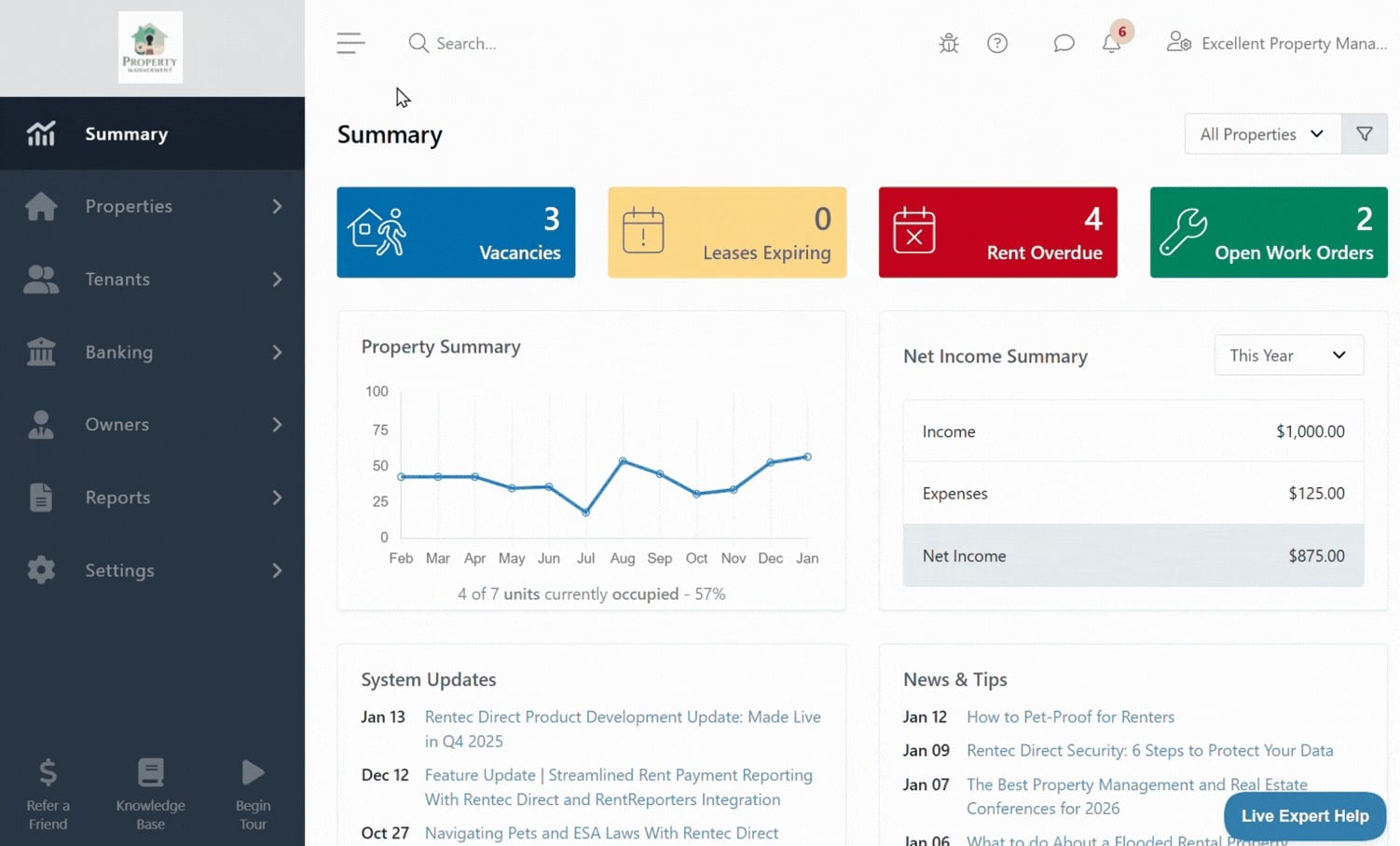
Once you’re ready to head to the bank with your collected payments. Creating the deposit slip in the software is quick and easy.
In your Rentec Direct account:
- Click on Banking
- Right-click on the Undeposited Funds account and select Make Deposit
- Select the transactions that will be included and choose the bank account the funds are being deposited into from the dropdown
- Click on Post Deposit to finalize the transaction
Once the deposit is posted, the View Deposit screen will appear, providing full details about the grouped deposit, links to view ledgers, and a summary. You will also have the option to print a scannable deposit slip for your bank.
Learn more: How to Print Deposit Slips for Your Bank to Scan
Final Thoughts
The simple workflow for using the Undeposited Funds feature helps keep bank ledgers accurate, automatically creates deposit slips, and prepares accounts for effortless reconciliation.
Have Questions?
Connect with your US-based Award-Winning Success Team weekdays from 6 am to 5 pm (PST). Just click on the Live Expert Help link to email or chat with live support, email success@rentecdirect.com, or call 800-881-5139 ext 2.
Check out the System Updates and News & Tips on your Summary page to see the latest Rentec Direct features and industry-related topics, or subscribe to the Rentec Direct Blog and have updates delivered directly to your inbox.
Suggest a Feature
Our goal is always to make your tasks as a landlord, property manager, or investor simpler, quicker, and more efficient. One way we accomplish this is by reviewing valuable feedback and input from our awesome clients. If there’s anything you would like to see added to enhance your Rentec Direct experience, please send your ideas and suggestions to success@rentecdirect.com.
About Rentec Direct
Rentec Direct delivers industry-leading property management software and tenant screening solutions to real estate professionals. Key features include online rent payments, mobile apps, tenant and owner portals, vacancy listing syndication, and accounting tools. Founded in 2007, Rentec Direct is the third-largest software provider in its sector and is consistently the highest-rated by investors, landlords, and property managers. Recognized on the Inc. 5000 list of fastest-growing private companies for nine consecutive years, Rentec Direct was also named Real Estate Company of the Year in the 2025 American Business Awards and listed among the U.S. Chamber of Commerce’s Top 100 Small Businesses. rentecdirect.com